


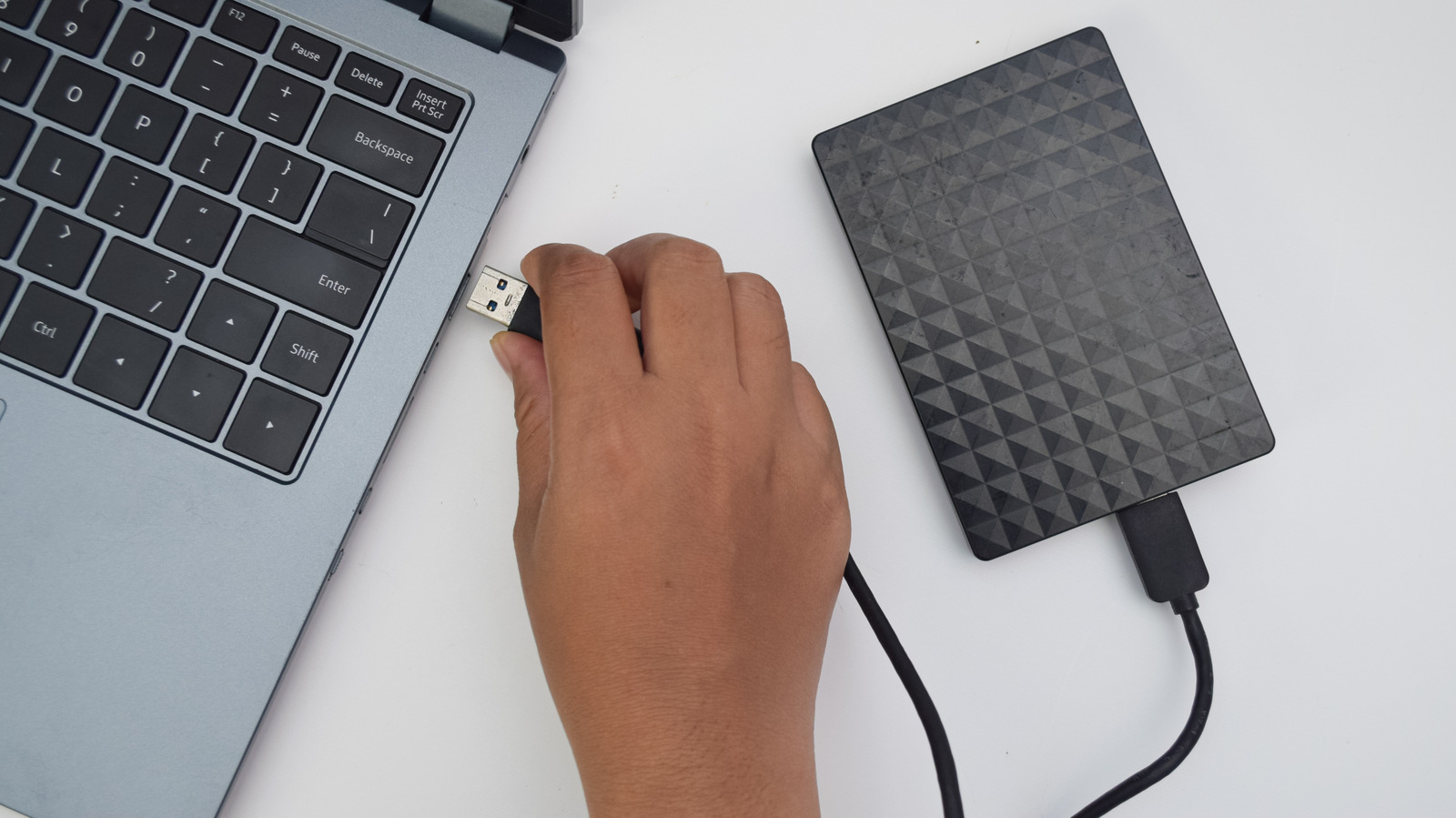
External hard drives often appear to be rugged, durable storage devices shielded by solid protective enclosures. Beneath the casing, however, traditional hard disk drives rely on sensitive internal mechanical components, including high-precision moving parts and platters that are sometimes manufactured from glass. Because of this delicate internal architecture, hard drives are significantly more fragile than solid-state drives, making it critical to avoid immediately reconnecting any drive that has suffered a physical impact or drop.
The Fragile Mechanics Inside an External Hard Drive
Unlike modern external SSDs, which have no moving parts, standard external hard drives remain exceptionally vulnerable to physical shock. Inside a typical operating hard drive, the read and write heads hover over the rapidly spinning storage platters at microscopic distances measured in nanometers. When a drive takes a fall, the shock can easily overcome that tiny gap, forcing components out of alignment or driving the read/write assembly directly against the platters.
Immediately following a fall, the digital data residing on the magnetic platters is frequently still completely intact. The primary danger arises when a user immediately connects the drive to a computer to check if it still works. Powering on the drive under damaged conditions is often the exact action that triggers severe, permanent data loss.
What Occurs When a Damaged Drive Spins Up
Standard external hard drives operate by spinning platters at high velocities, commonly reaching speeds of 5,400 or 7,200 revolutions per minute. At these high rotational speeds, mechanical damage accelerates instantaneously across the internal components. If the impact has bent or misaligned the read/write heads, applying power forces those misaligned heads across the platter surface where the data is stored. This contact can scratch the delicate magnetic coating, directly destroying the recorded information and rendering it unrecoverable.
The destruction often cascades further. Debris and microscopic particles generated by an initial scratch can be caught up in the high-speed air currents generated inside the spinning mechanism. These loose contaminants collide with other sections of the platter, multiplying the physical scoring and contamination across the storage medium. The probability of widespread platter damage increases dramatically if the external hard drive was already connected and running at the moment it was dropped.
Plugging in a damaged drive also severely complicates professional recovery efforts. Specialized technicians typically restore access to files by disassembling the unit, swapping damaged mechanical components with compatible donor parts, and copying data off the platters sector by sector. However, when platters suffer physical scratches and gouges from repeated spin-ups, no replacement parts can recover the magnetic layer that was physically stripped away.
Crucial Steps to Take After an Impact
When an external drive experiences a fall or a substantial physical hit, the safest approach is to assume it is damaged until properly evaluated, especially if it was powered on during the impact. Users should immediately disconnect the drive if it is currently plugged in and resist the temptation to reconnect it to verify file integrity. It is equally important to avoid harmful folk remedies such as freezing the drive, tapping the enclosure, shaking it, or attempting to open the casing at home, as all of these interventions can severely worsen the physical condition of the hardware.
For irreplaceable data that is not backed up elsewhere, the only reliable course of action is to submit the drive directly to an established professional data recovery service for physical assessment. Allowing specialists to examine the drive avoids powering up the motor while components are out of alignment.
Handling Non-Critical Data and Diagnostic Checks
If the stored files are not essential, or if the user chooses to accept the risk of permanent failure, a cautious single test may be performed. The user should connect the drive while listening intently to the enclosure as the motor attempts to spin up. Any abnormal sounds—such as clicking, grinding, beeping, or signs of the drive repeatedly resetting its motor—indicate severe internal distress, and the drive must be disconnected from power immediately.
If the external drive mounts without unusual noises and functions normally, users should immediately prioritize copying their most critical files onto another storage medium before launching any intensive diagnostic scans. Once essential files are safely copied, the drive’s built-in health monitoring can be evaluated via SMART data using diagnostic software such as CrystalDiskInfo. Warning signs, such as pending or reallocated sectors, indicate that the drive has suffered damage and is no longer reliable for ongoing storage.
Users should bear in mind that some external USB enclosures fail to pass SMART telemetry through to the operating system, and a passing health test is never an absolute guarantee against impending hardware failure. Practicing sound operational habits—such as avoiding moving hard drives while they are actively running, always safely ejecting drives before unplugging cables, and safely storing archived drives—remains essential to preserving magnetic storage devices over time.